

GitLab 是集代码托管、CI/CD 及项目管理于一体的全栈 DevOps 平台。
Gitlab#
部署安装#
gitlab helm方式,依赖 PVC 存储,需要提前部署 StorageClass;测试环境可以使用 local-path-storage !
- 添加仓库
helm repo add gitlab http://charts.gitlab.io/
- 下载charts
helm pull gitlab/gitlab --version 9.7.1
tar -zxvf gitlab-9.7.1.tgz
cd gitlab
- 修改 values.yaml
# 1. 发行版,默认 ee
edition: ce

# 2. 域名
domain: uat.artoio.com

# 3. cert-manager
configureCertmanager: false

# 4. installCertmanager
installCertmanager: false

# 5. 禁用 nginx-ingress
enable: false
- 运行 helm install
# 创建命名空间
kubectl create namespace gitlab

#
helm install gitlab gitlab/gitlab -f values.yaml -n gitlab
代理服务#
依赖 cert-manager 、istio,请提前部署!
- 创建 01-certificate.yaml
apiVersion: cert-manager.io/v1
kind: Certificate
metadata:
  name: gitlab-cert
  namespace: istio-system
spec:
  secretName: gitlab-tls-secret
  issuerRef:
    name: letsencrypt-cloudflare
    kind: ClusterIssuer
  dnsNames:
  - gitlab.uat.artoio.com
运行: kubectl apply -f 01-certificate.yaml
- 创建 02-gitlab-gateway.yaml
apiVersion: networking.istio.io/v1alpha3
kind: Gateway
metadata:
  name: gitlab-gateway
  namespace: istio-system
spec:
  selector:
    istio: ingressgateway
  servers:
  - port:
      number: 80
      name: http
      protocol: HTTP
    hosts:
    - "gitlab.uat.artoio.com"
    tls:
      httpsRedirect: true
  - port:
      number: 443
      name: https
      protocol: HTTPS
    tls:
      mode: SIMPLE
      credentialName: gitlab-tls-secret
    hosts:
    - "gitlab.uat.artoio.com"
运行: kubectl apply -f 02-gitlab-gateway.yaml
- 创建 03-gitlab-virtualservice.yaml
apiVersion: networking.istio.io/v1alpha3
kind: VirtualService
metadata:
  name: gitlab-virtualservice
  namespace: gitlab
spec:
  hosts:
  - "gitlab.uat.artoio.com"
  gateways:
  - istio-system/gitlab-gateway
  http:
  - route:
    - destination:
        host: gitlab-webservice-default.gitlab.svc.cluster.local
        port:
          number: 8181
运行: kubectl apply -f 03-gitlab-virtualservice.yaml
- 解析
请在您的域名服务商添加解析!
服务验证#
默认用户名、密码:
- 用户名: root
- 密码:
kubectl get secret -n gitlab gitlab-gitlab-initial-root-password -o jsonpath="{.data.password}" | base64 --decode; echo
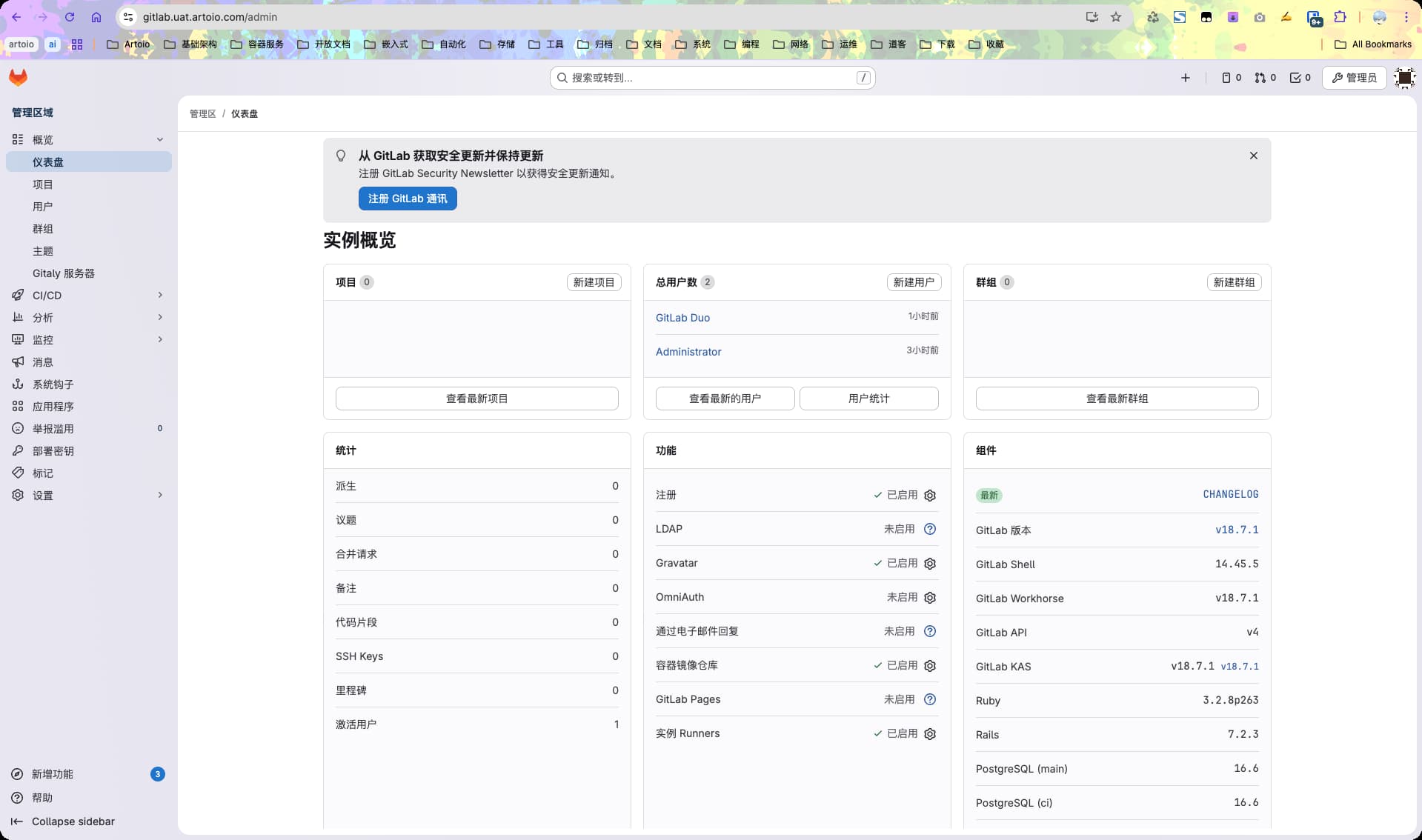
访问站点: gitlab.uat.artoio.com
登录
结语#
参考: